
Built for the hours you’re not at a desk.
Follow a field seller through a Thursday. Everything she approves lands on the same records her team works from.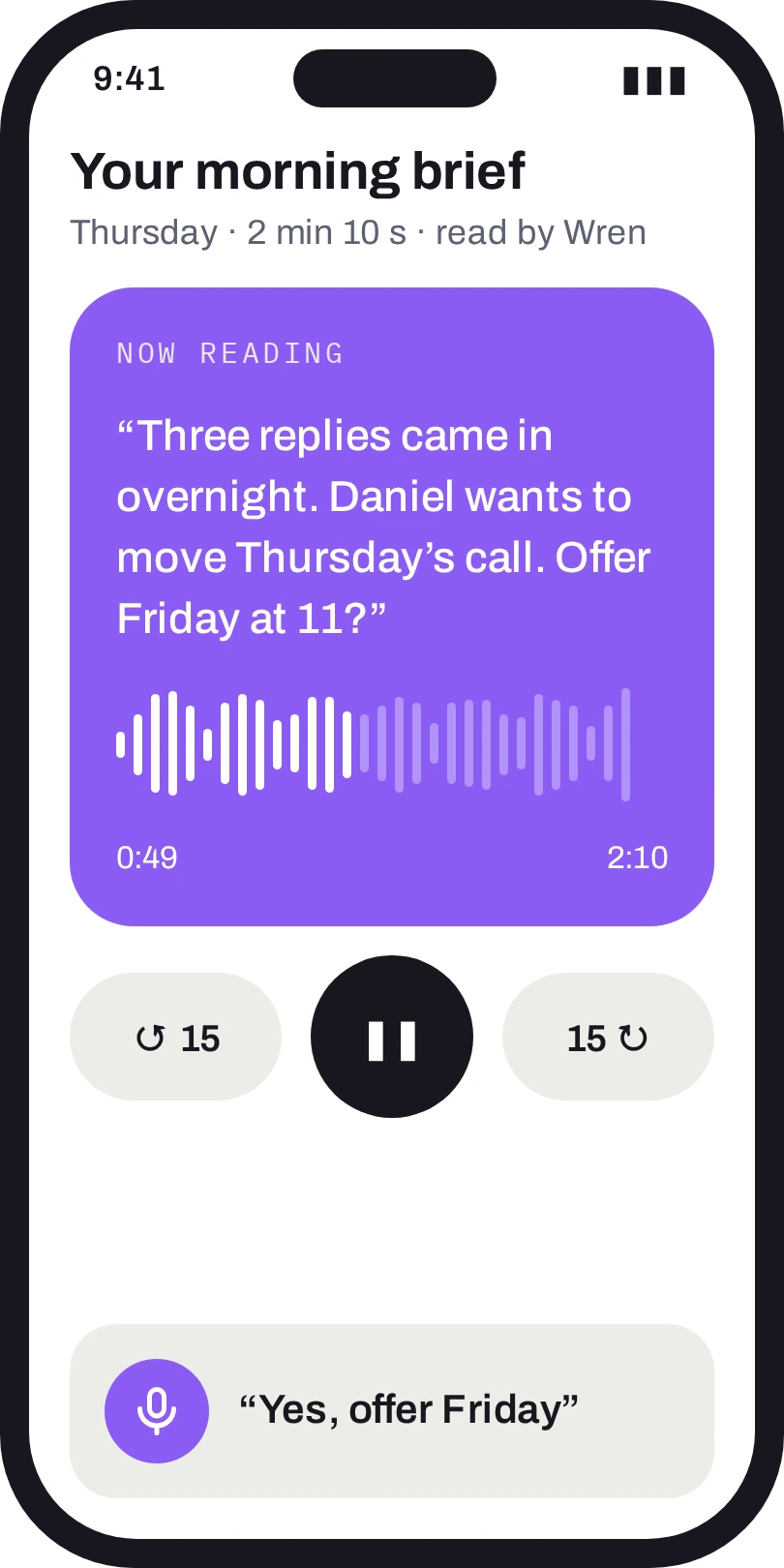
ON THE DRIVE IN
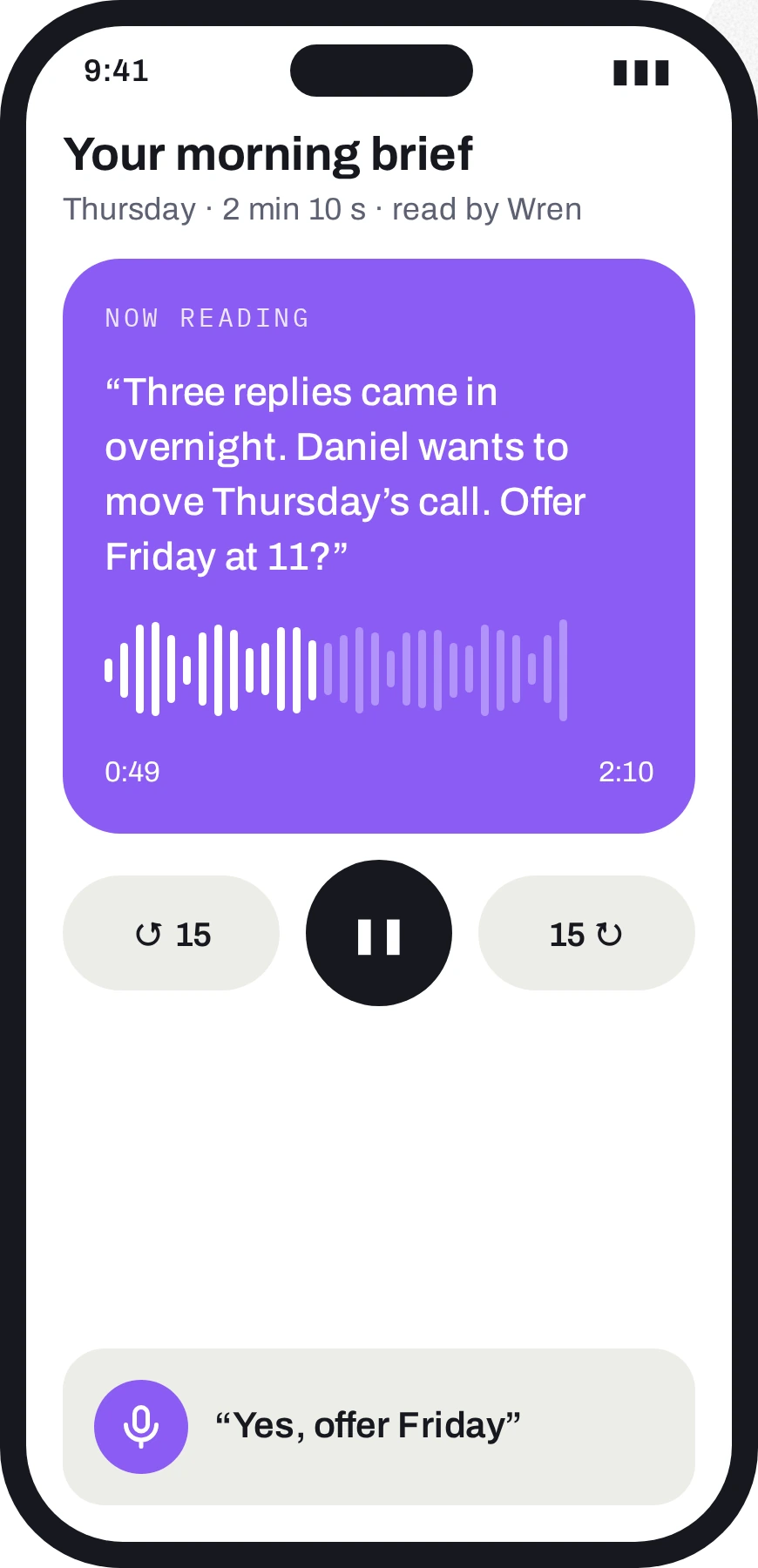
Your morning brief
Wren reads the day in two minutes: overnight replies, today’s meetings, what’s at risk. Answer out loud; nothing to read at the wheel.07:40
AT THE DOOR
An arrival brief
Walk up to a client and the brief is on the lock screen: who decides, what they asked for last time, when the contract ends.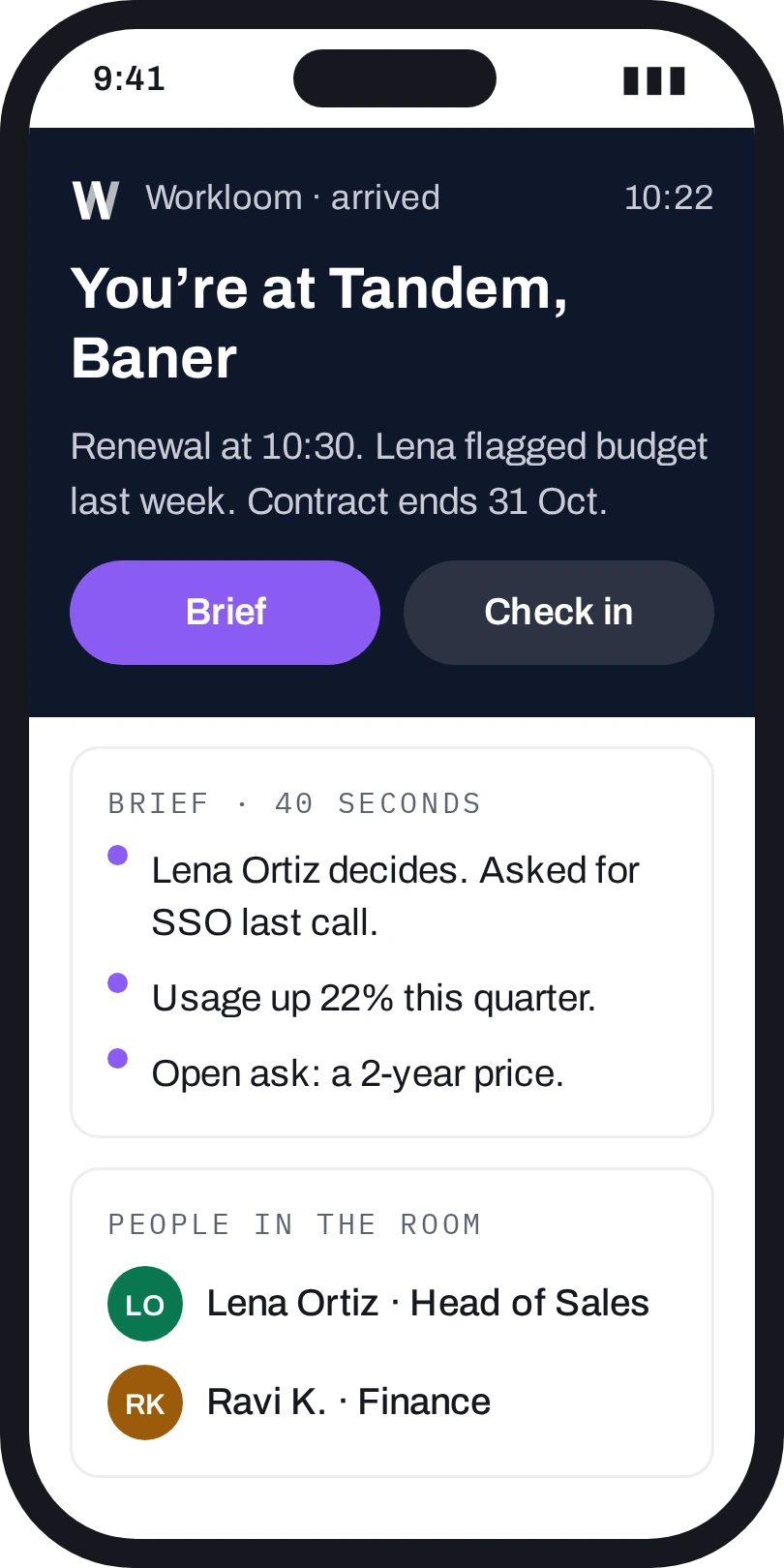
10:22
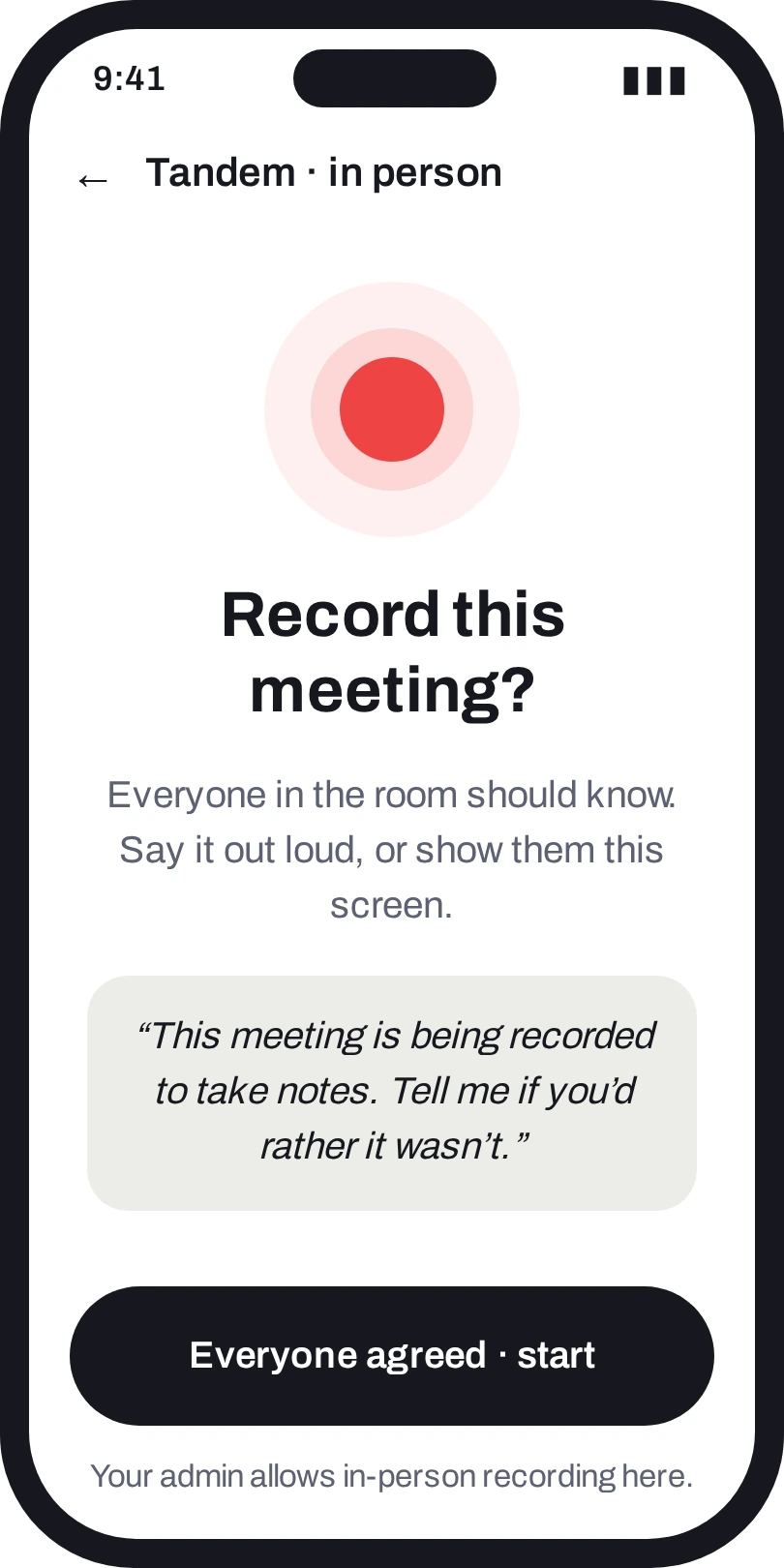
IN THE ROOM
Recording, with consent
A consent screen comes first, always. Admins decide per workspace whether in-person recording is on at all.10:31
BACK IN THE CAR
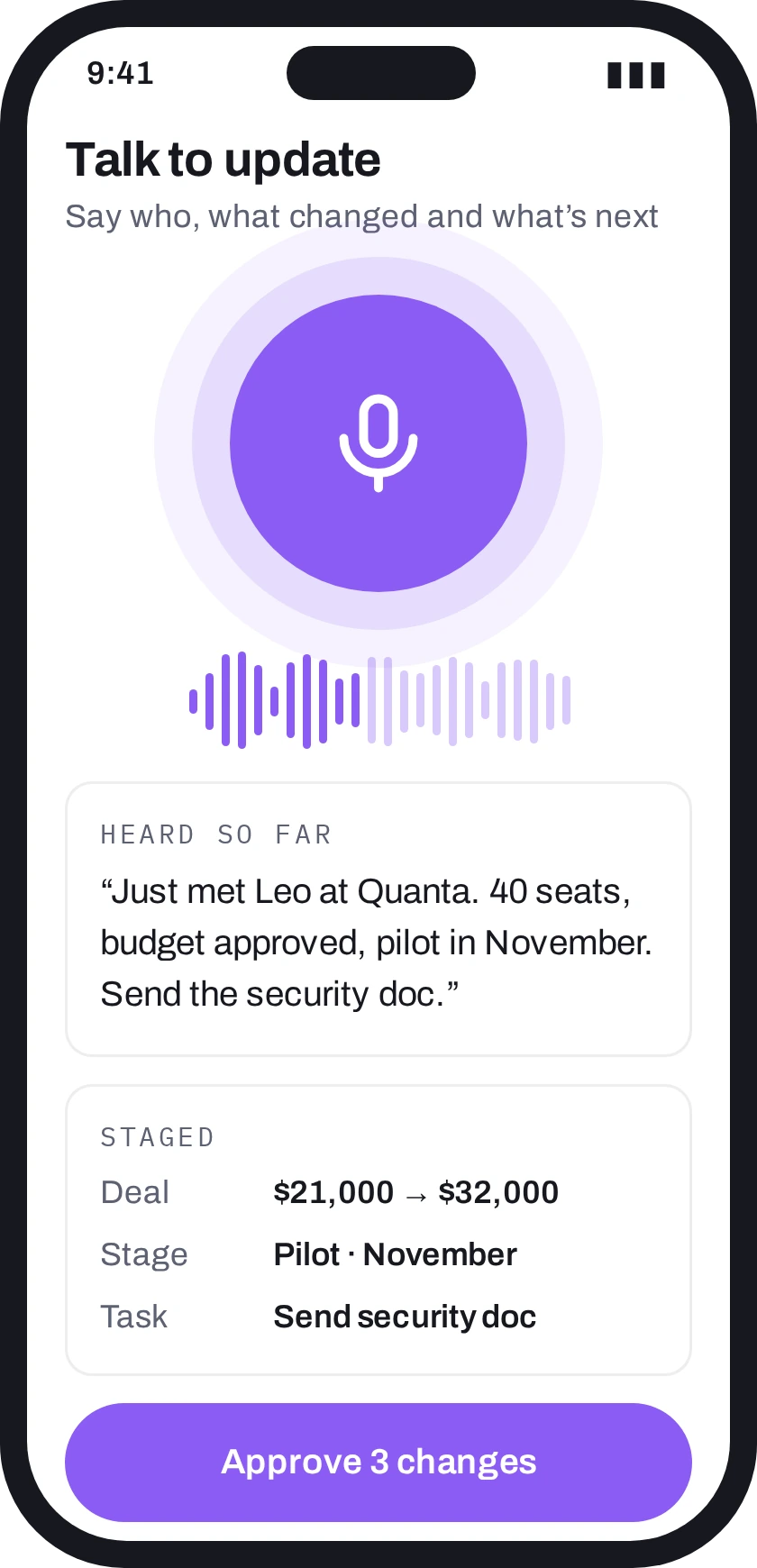
Talk to update
One button. Say what happened. Wren matches the account, stages the deal, stage and task, and you approve with a tap.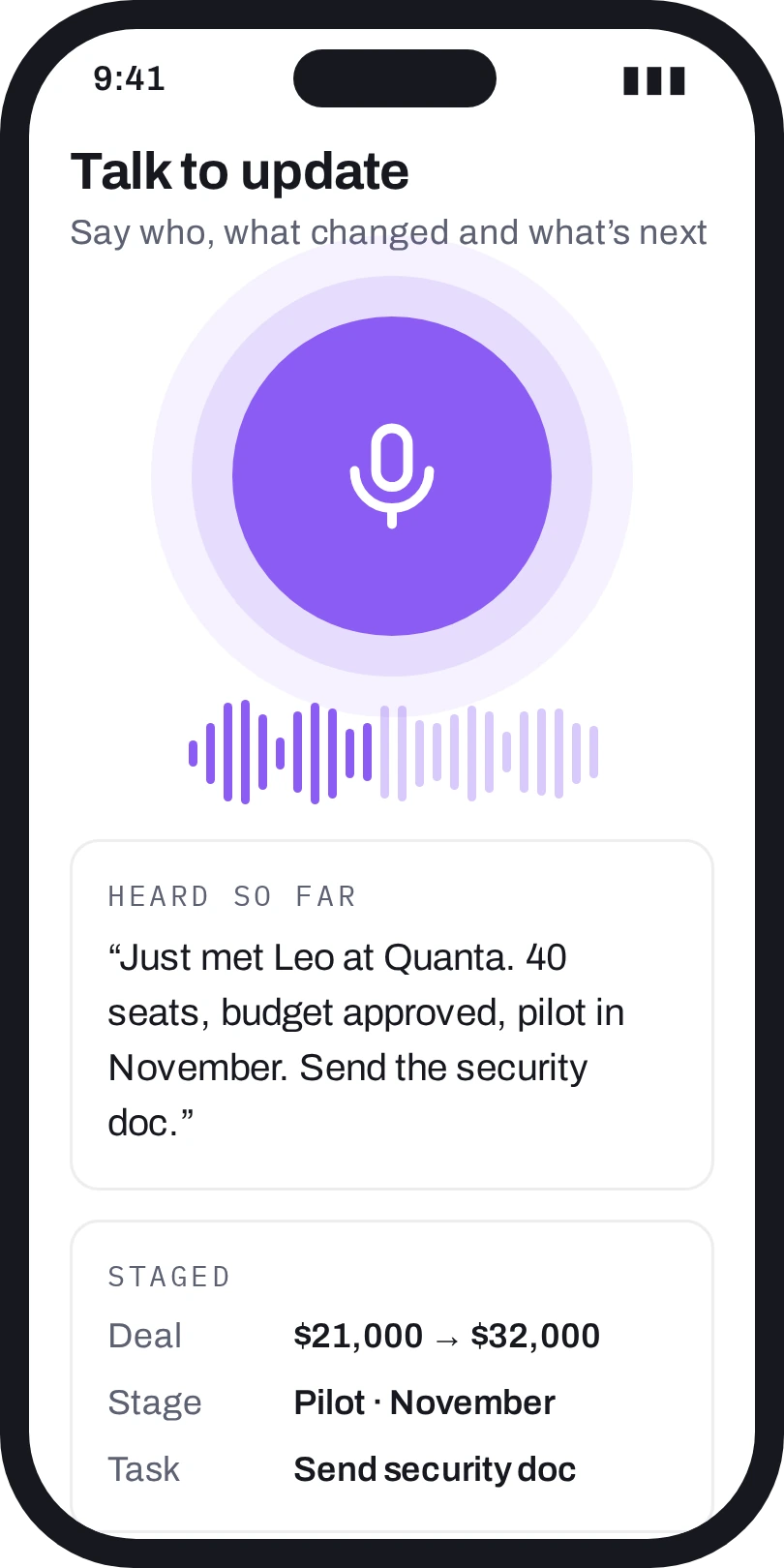
11:20
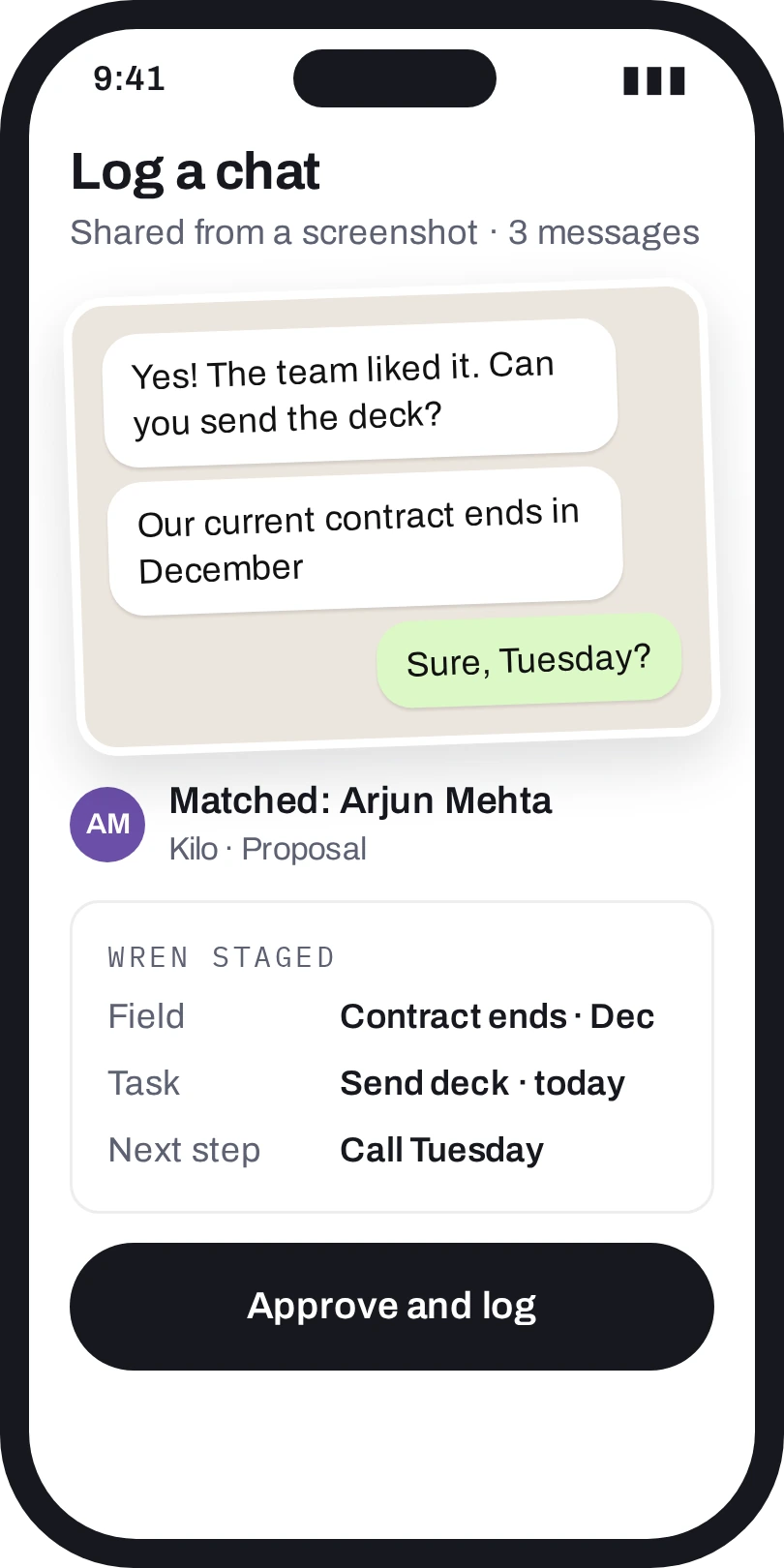
OVER LUNCH
Log a WhatsApp chat
Share a screenshot. Wren finds the person, reads only what’s in the picture, and stages the next steps.13:05
ON THE COMMUTE HOME
Coaching, picked for you
Short clips from this week’s calls: the objection that got handled, the one that didn’t. Two minutes each.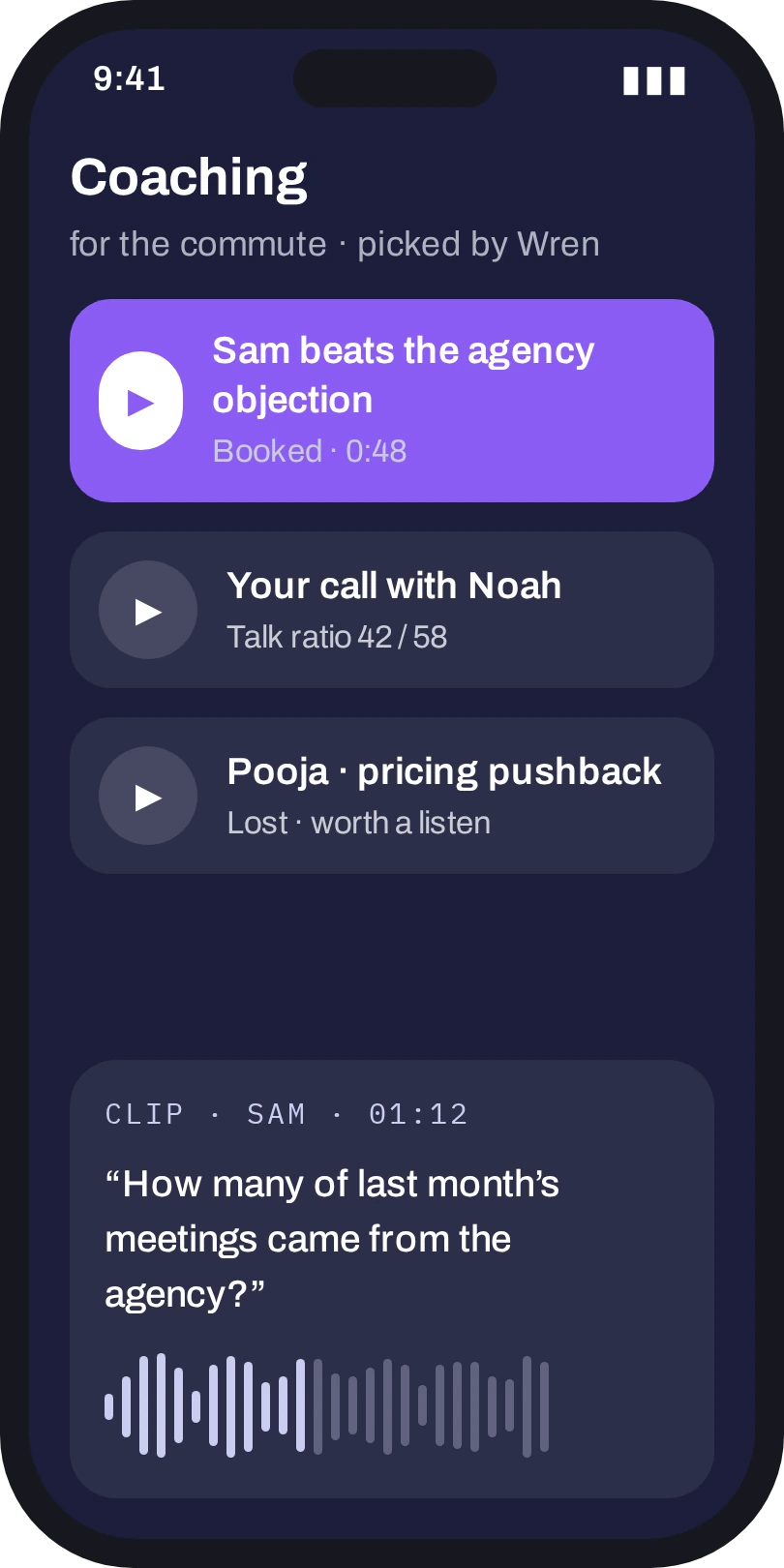
18:40
ON ANDROID
Android’s own extras: act from the home screen, the notification shade or a long-press, without opening the app.Where your thumb already is.
Home screen widgetToday’s meetings, what needs you, and Wren one tap away.
App shortcutsLong-press the icon to ask Wren, start a session or scan a card.
Notification actionsReply, send Wren’s draft or call back from the shade.
Quick Settings tileLog a call outcome in two taps after you hang up.
Recording only after the consent screen, and only where your admin allows it. Location is used for arrival briefs, and only if you turn them on.